Languages
Vocabulary graded by level, from A1 to C2.
A pinch of Kardamone a day,and the words are here to stay.
You no longer have to choose between Anki’s spaced repetition and Duolingo’s guided learning.
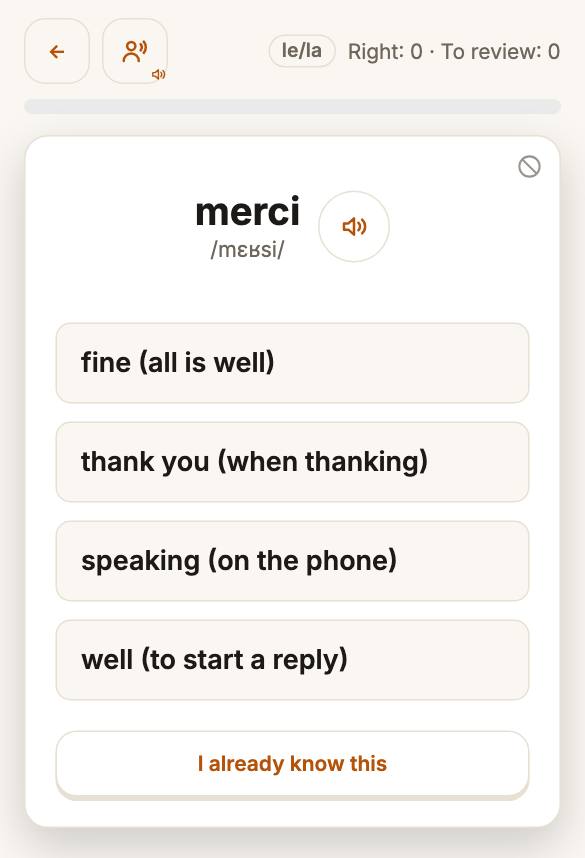
Pick a language: you meet five words, find each one among several answers, then type it. No sign-up needed.
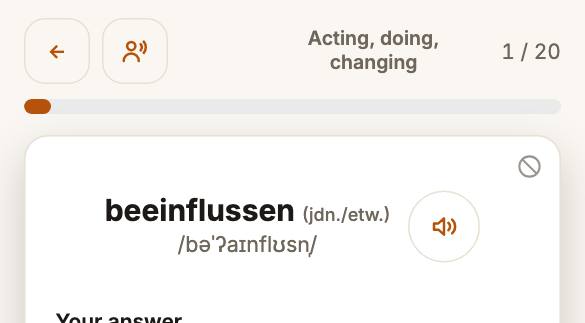
And more: you learn nouns with their article, conjugate verbs, read how words are pronounced in phonetic script, and you can also create a list from a text, a PDF or a Word file.
Compare in detail: Kardamone or Anki · Kardamone or Duolingo · Kardamone or Quizlet
Guided
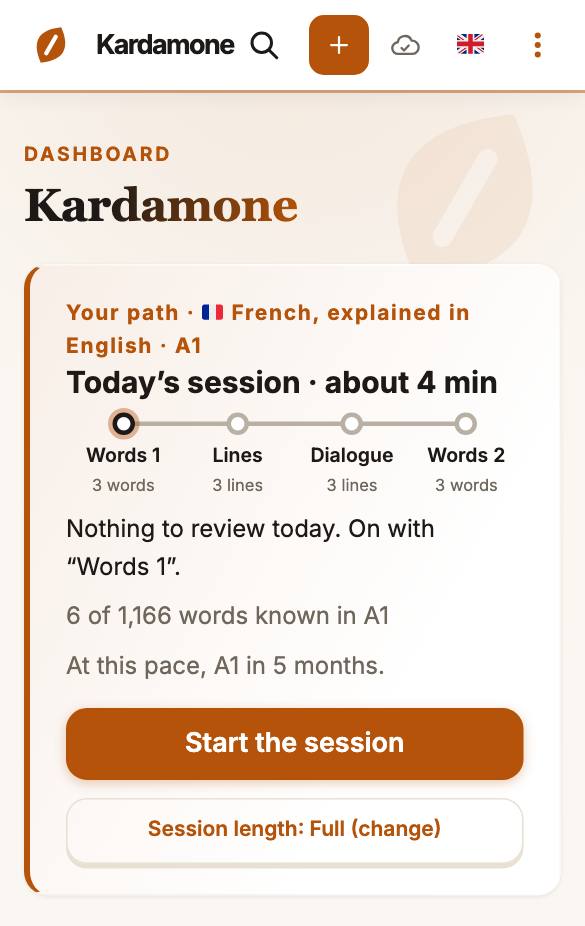
Choose a language, then take the level test or start at the beginning. Kardamone takes you step by step, in the order of the course: each step has its words and texts, plus grammar lessons up to C1. Each day you do your reviews first, then move on in your step.
Your choice
403,965 flashcards in 4,592 lists
Vocabulary graded by level, from A1 to C2.
Learn dates, facts and definitions too.
You can listen to every word, and most of them come with a phonetic transcription.
Upload a text, a PDF or a Word file: Kardamone picks out the words it has cards for, most frequent first, and makes them into a list to study.
Add Kardamone to your phone’s home screen and it opens just like an app.
See the steps →Teachers and groups
Prepare the list once, and the whole class can study it.
It depends on the language you learn and on your own: the catalogue and the guided tracks do not go as far for every language. One page gives, for your language, the level each language you can learn reaches.
No. You can browse the catalogue and take the level test (about 5 minutes) without registering. With an account you study the catalogue, follow your progress and can revise offline. No invitation is needed.
Yes. Export your cards from Anki ("Notes in Plain Text") or Quizlet, or save a CSV file from any spreadsheet, and import it into a list. Kardamone reads commas, semicolons and tabs, and shows you a preview before adding anything. A list holds up to 500 cards. Your cards come across, but not your review history from the other app, so the schedule starts fresh.
Yes. On a list's page, choose "Make available offline" and study without a connection. Your answers sync when you are back online. The learning path is meant for a connection: offline, it offers only the day’s reviews and new words.