For teachers
You prepare the lists; your pupils study them, each at their own pace.
What you can do
- Share one list, or a whole collection of lists, through a single link. A list you add to the collection later appears for your pupils too.
- Each pupil studies with their own account and keeps their own progress.
- No pupil tracking: you see how many people follow a list, never who they are or how they are doing.
- Print your lists on paper or as a PDF, with or without the examples and notes.
- Print a test from a list, its answer key on a separate page (the list’s ⋮ menu, “Print a test”). After a written test, each pupil can print or screenshot their result (list, date, score, name) to hand in.
- Make a list from a document (a text, a PDF or a Word file): Kardamone picks out the words its catalogue teaches.
Your first class in three steps
-
Prepare the lists
Write a list, paste it from a spreadsheet, make it from a document, or add lists from the catalogue, graded from A1 to C2. Put them in a collection named after the class.
-
Share the link
Open the collection, press the share icon, then “Create a link”. Give the link to the class by email or on the school’s online platform.
-
Your pupils add it
Each pupil opens the link while signed in to their Kardamone account and chooses “Add this collection to my library”. Pupils must be 13 or over; at 13 or 14, a parent confirms the account by email.

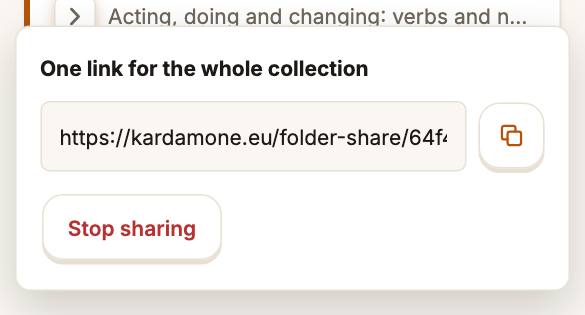

To stop sharing, open the same panel and choose “Stop sharing”: the link stops working, and each pupil keeps a private copy of the lists.
https://kardamone.eu/en/teachers